Get Started in 5 Simple Steps
We've streamlined the onboarding process so you can spend less time setting up and more time optimizing your business.
1
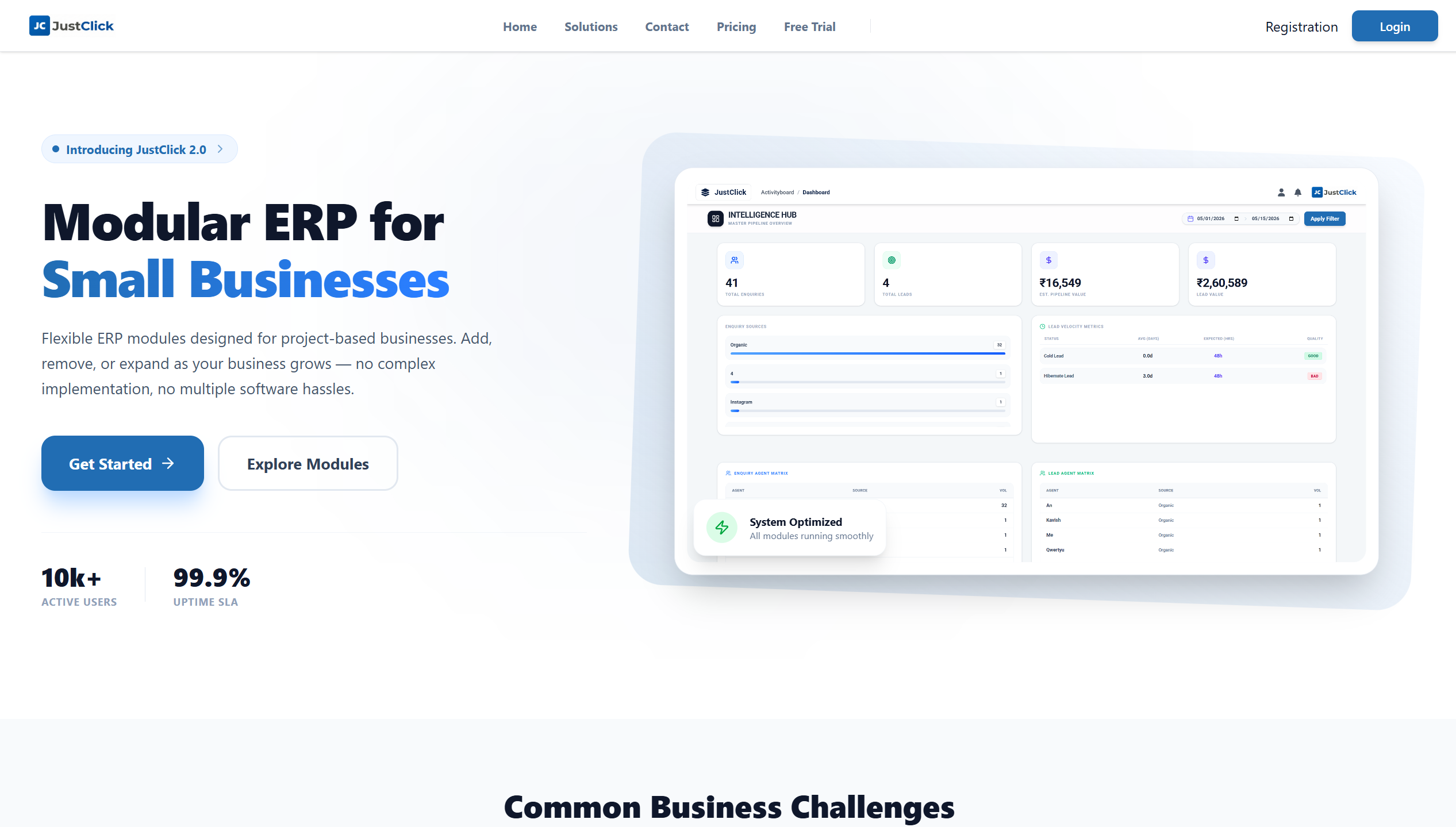
Click Registration in Navbar
Look at the top of your screen and click the 'Register' or 'Get Started' button in the navigation bar to initiate the process.
2
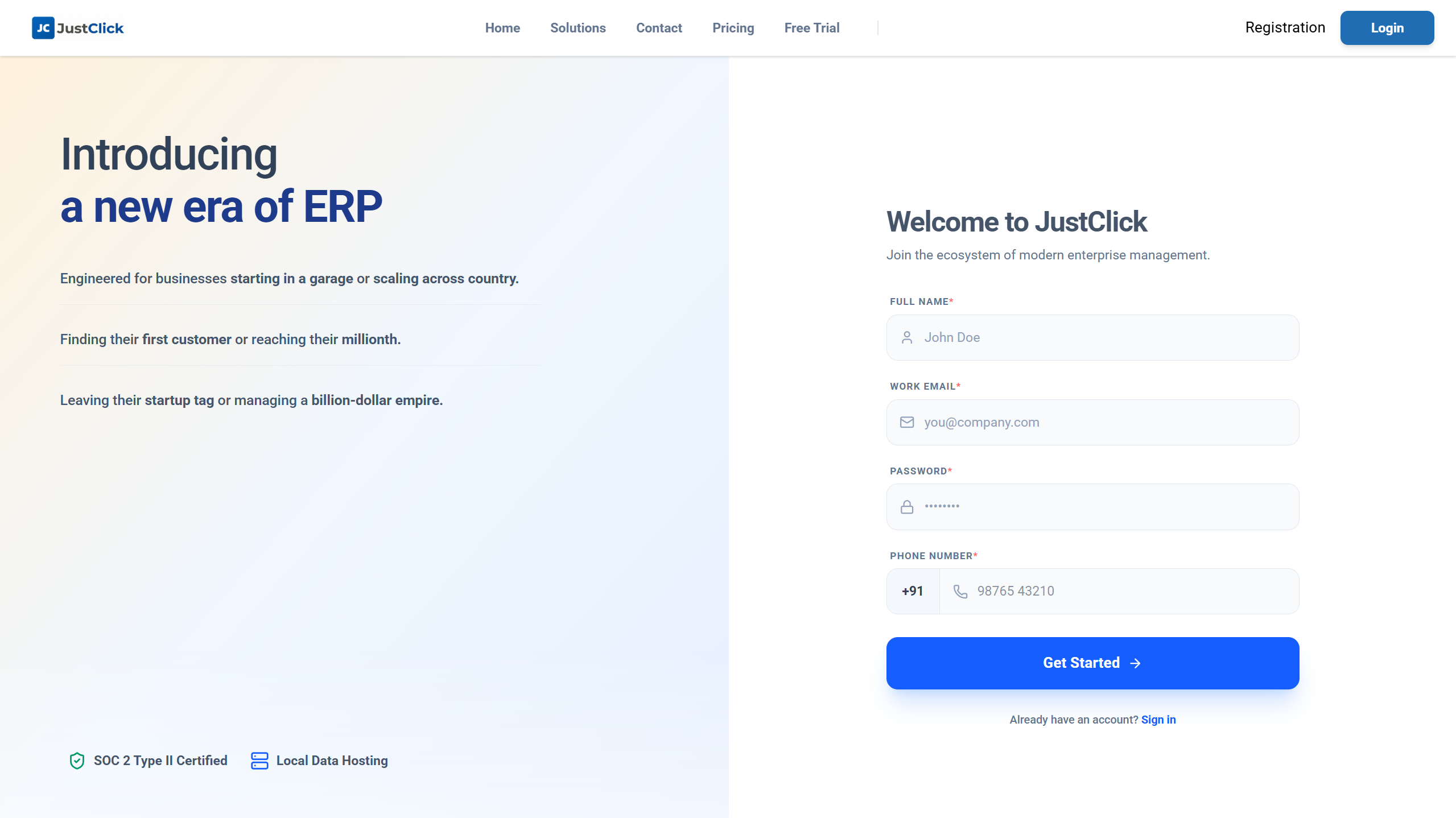
Register Your Account
Sign up in seconds using your work email. No credit card required to get started.
3
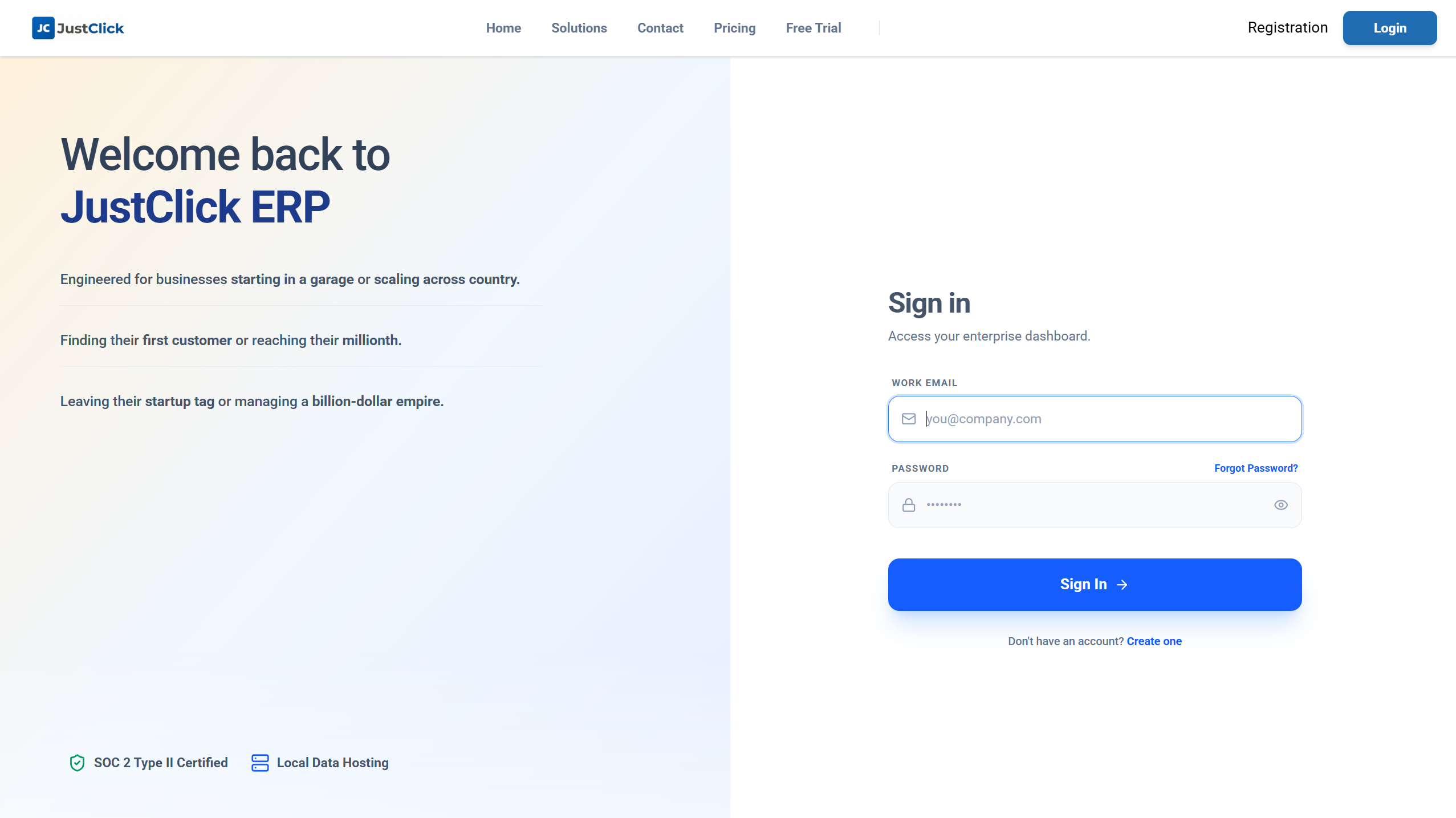
Seamless Auto-Login
Once registered, we'll securely authenticate and log you into your new dashboard instantly. No waiting around.
4
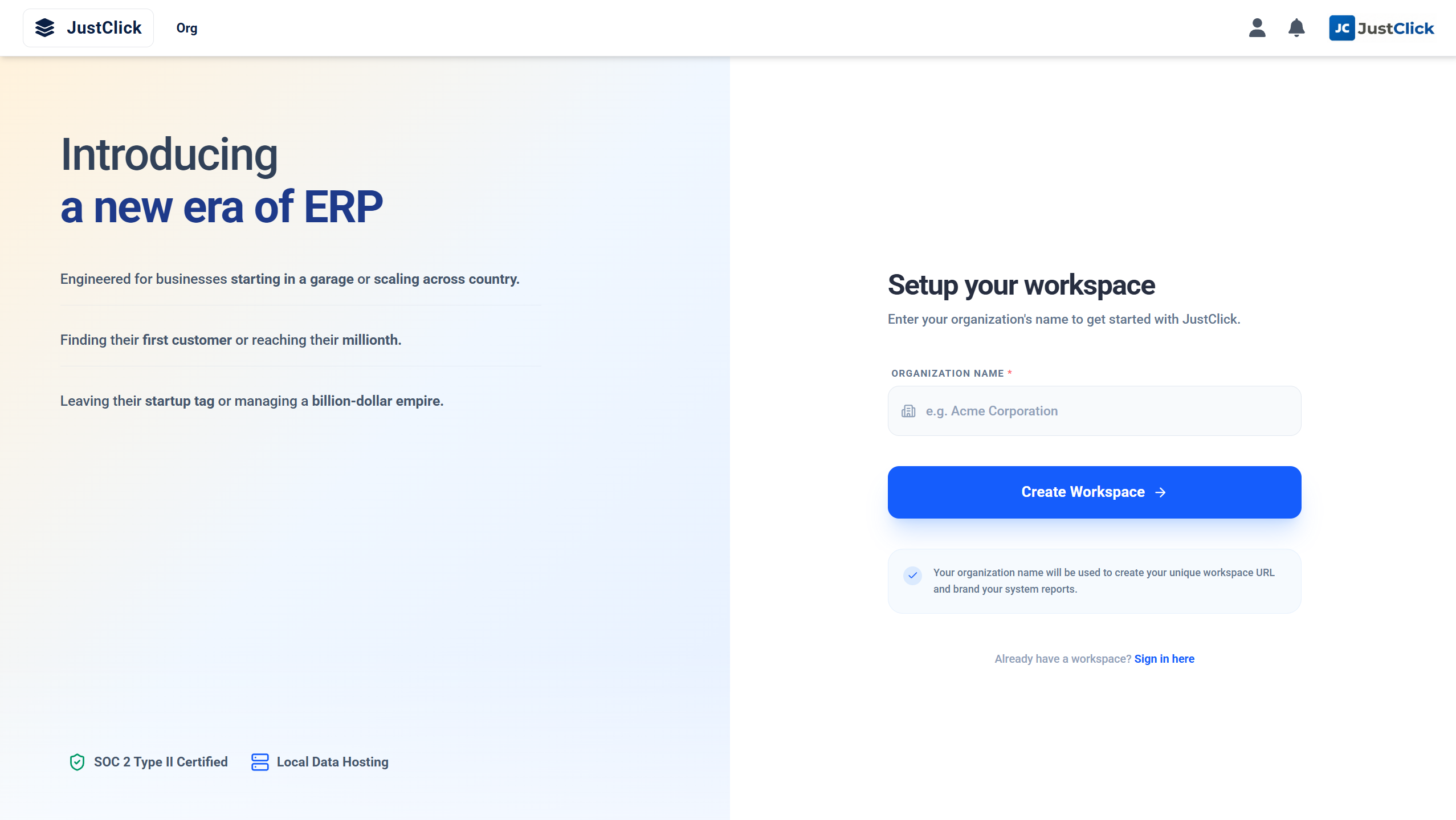
Set Up Your Organization
Enter your company name and basic details to personalize your workspace and configure your initial ERP modules.
5
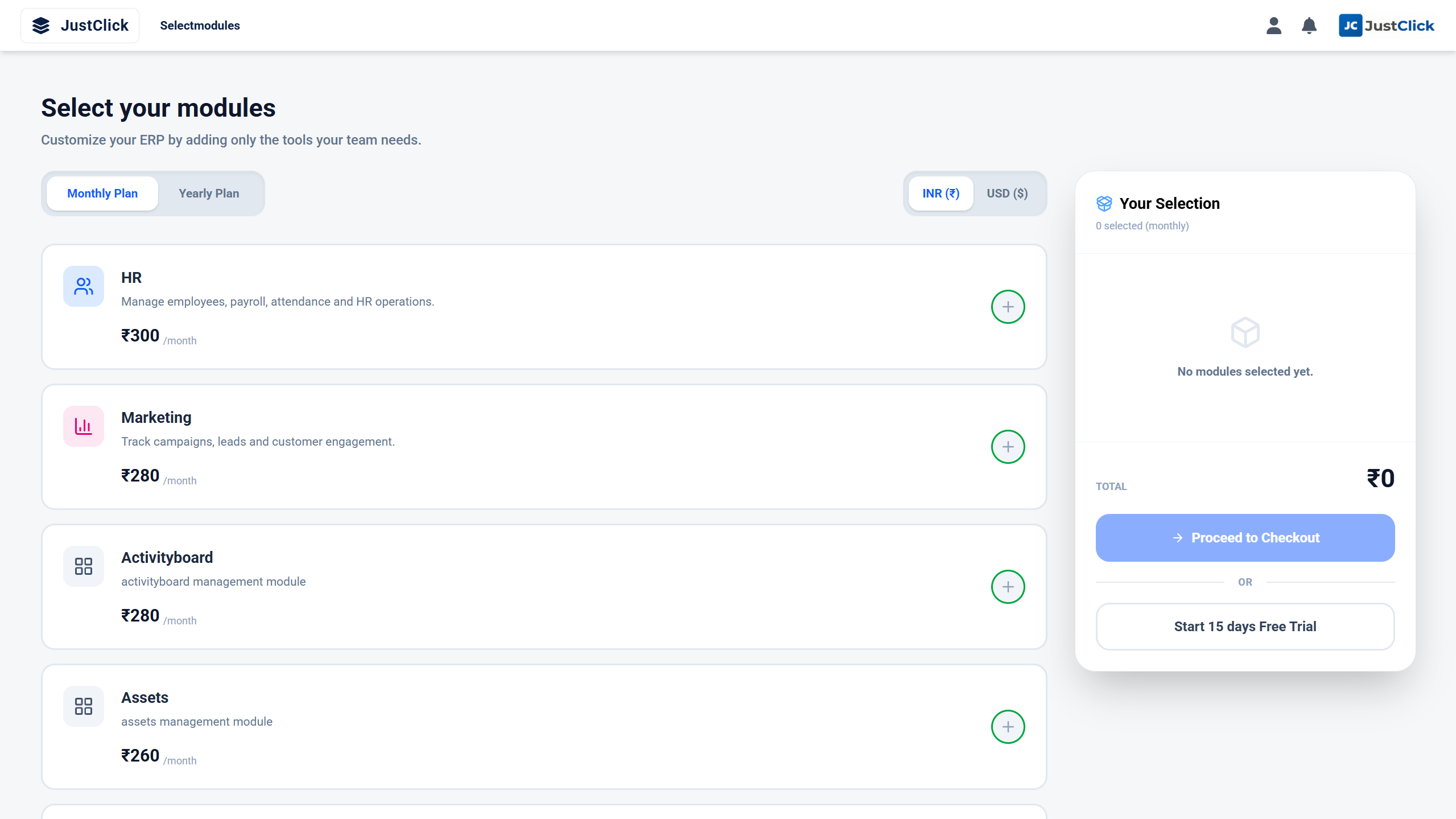
Click 'Start Free Trial'
That's it! Hit the start button and dive straight into your 15-day unrestricted access to JustClick ERP.
Ready to experience the difference?
Join thousands of businesses managing their workflow effortlessly with JustClick ERP.
Register & Start Your Free Trial Now